
ReleasePad
This is ReleasePad change log.
⚡Build Custom Integrations with Our New API Docs
Our public API documentation is now live, giving you everything you need to connect ReleasePad to your own tools and workflows.
Whether you want to automate release note publishing from your CI pipeline, sync updates with internal dashboards, or build entirely custom integrations, you now have a clear reference to get started fast — no more guesswork.
Explore the full documentation at https://www.releasepad.io/api/ 🚀
Sign In Faster with Google 🚀
You can now sign in to your account using Google, skipping the need to remember another password.
This makes getting started quicker and more secure, reducing friction for new users and saving time for returning ones who can authenticate with a single click.
🤩 See Update Frequency at a Glance
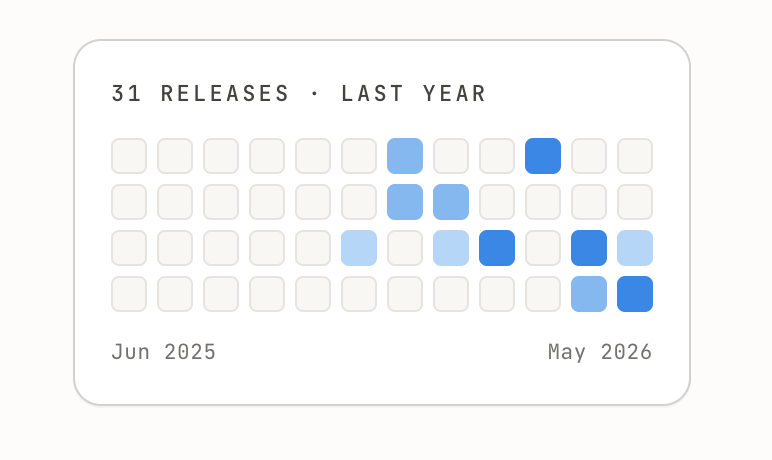
Your public changelog page now features a heatmap visualization that shows when updates were published over time.
Visitors and customers can instantly gauge how actively you ship improvements, building trust and showcasing your team's momentum — no scrolling required.
⚡ Sign in with GitHub for faster access
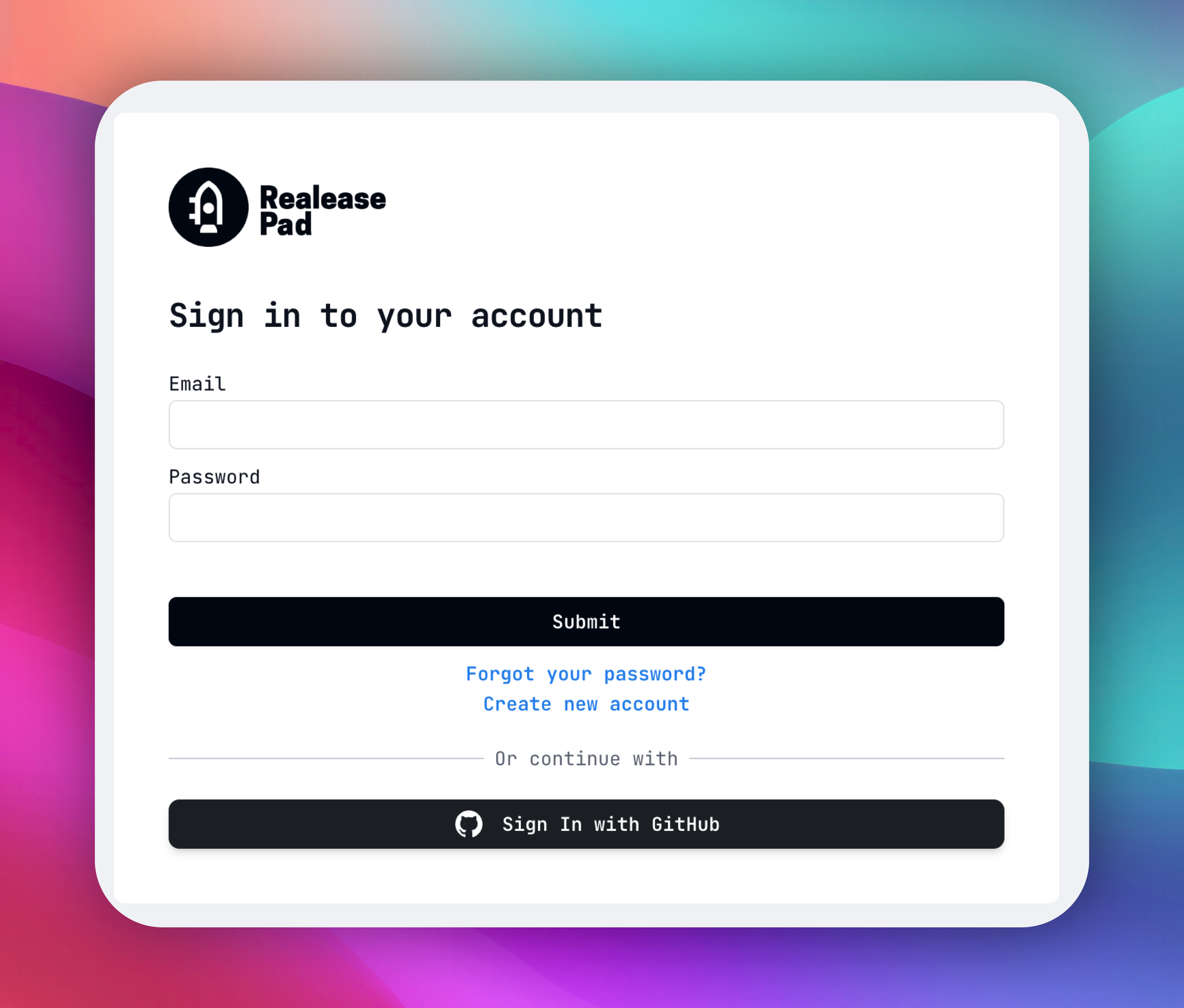
You can now log in using your GitHub account! 🎉 Whether you're a new or existing user, signing in with GitHub makes it faster to get started and simplifies managing your GitHub integrations down the road.
- One-click login with your GitHub account — no extra passwords to remember
- Lays the groundwork for smoother GitHub integration workflows
Auto-generate release notes from commits
ReleasePad can now automatically load your latest commits from GitHub and convert them into polished release notes. ✨
When a repository is connected via the new GitHub App integration, ReleasePad fetches the last 3 commits and uses them to generate user-friendly release notes — saving you time and ensuring your changelog stays current with minimal effort.
GitHub App Integration
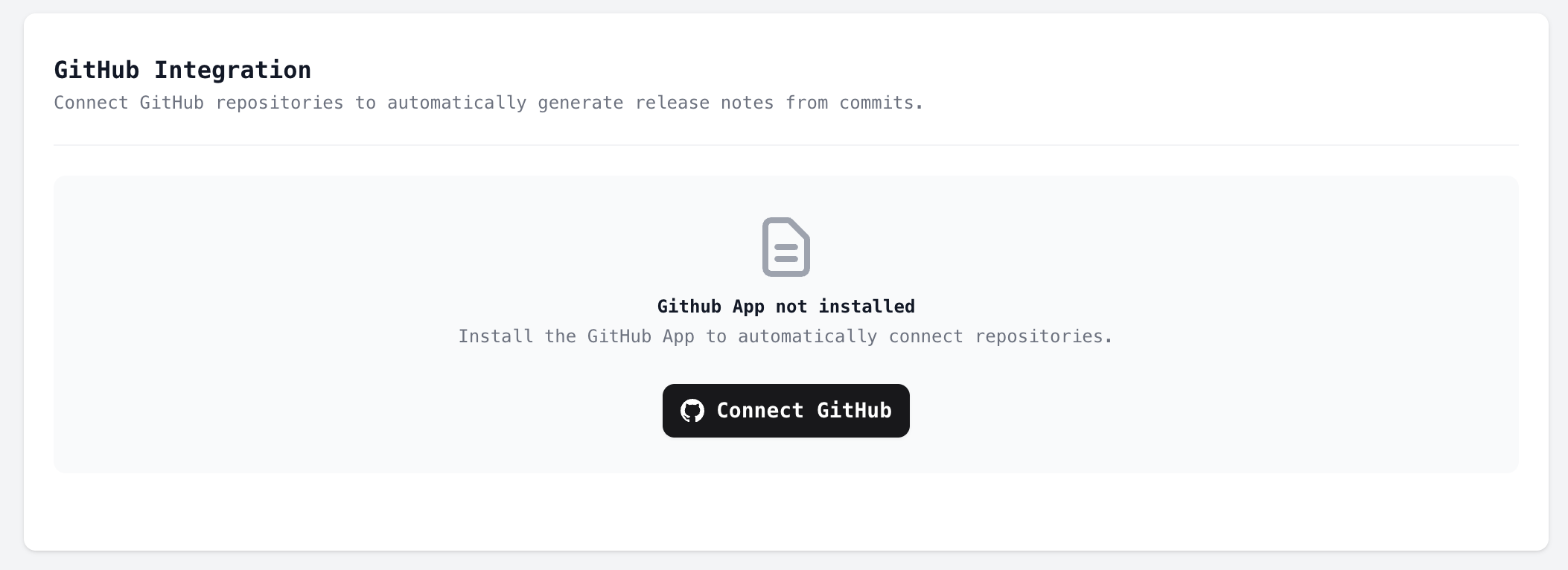
We've introduced a brand-new GitHub App integration that fundamentally improves how ReleasePad connects with your repositories. 🚀
Instead of manually adding repositories, ReleasePad now uses a GitHub App to automatically detect and sync your installed repositories. Once you install the GitHub App on your GitHub organization or account, your repositories will be available in ReleasePad — no extra configuration needed.
As part of this change, the manual repository adding workflow has been removed in favor of the streamlined GitHub App experience.
- Install the ReleasePad GitHub App directly from your GitHub settings
- Repositories are automatically synced when the app is installed or updated
- Webhook support ensures your repository list stays up to date in real time
Customize Your AI-Generated Release Notes ✨
You now have full control over how your AI-generated release notes are written! We've added a new AI Settings panel where you can tailor the output to match your brand voice and audience preferences.
- Tone — Choose the writing style that best fits your product, from professional to casual.
- Language — Select the language for your generated release notes.
- Detail Level — Control how in-depth or concise the AI-generated content should be.
- Emoji Style — Decide how (and whether) emojis are used in your posts.
These settings are automatically applied every time new release notes are generated from your commits. Head over to your product's settings page to configure them.
📫 Email Notifications for GitHub Integration
Stay in the loop with your release notes workflow! 🚀 When you push to your connected GitHub repository, ReleasePad will now automatically send you an email notification if any draft posts were generated from your commits.
This makes it easy to review and approve new release notes right away, so your changelog stays up to date without you having to constantly check for new drafts.
Skip commits from release notes with [skip] tag
You can now exclude specific commits from your release notes by adding a [skip] tag anywhere in the commit message. This gives you full control over which changes make it into your polished release notes. 🎯
This is perfect for keeping internal housekeeping — like formatting fixes, refactoring, or CI tweaks — out of your user-facing changelogs.
- Add [skip] (case-insensitive) to any commit title or body to exclude it from release notes
- Skipped commits are still stored for your records, but won't appear in generated notes
- Works automatically — no extra configuration needed
🤖 GitHub Integration: Your Commits Now Write Your Release Notes
Every time you push code, your users should know about it — but let's be honest, writing release notes after a deploy is the task everyone skips. Not anymore.
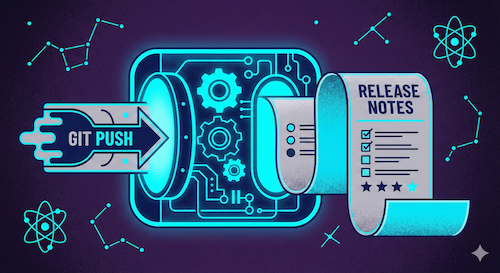
ReleasePad now connects directly to your GitHub repository. Once linked, every push triggers an automatic reading of your commits. Our AI then analyzes those commits and generates well-written, clear posts — categorized exactly how you've set them up — and publishes them to your changelog without you lifting a finger. 🔥
Here's what this actually means for your workflow:
- You push code. That's it. ReleasePad handles the rest.
- AI reads and understands your commits, then transforms raw technical messages into polished, user-friendly posts.
- Each post gets assigned to the correct category (features, fixes, improvements — whatever you've defined).
- Multiple posts get created from a single push if the changes span different areas of your product.
- Your users stay informed in real time, every single time.
Why this matters more than you think — the gap between shipping and communicating is where user trust erodes. Your team ships fast, but if your customers don't see those improvements, they assume nothing is changing. This integration closes that gap permanently.
No more deciphering commit messages into human-readable updates. No more "we'll write the changelog later." No more backlog of undocumented features. The AI does the heavy lifting — turning fix: resolve null pointer in auth flow into something your users actually want to read. 🧠
Connect your repo once, keep pushing code, and let your product speak for itself ✨
Ready to set it up? Inside your product, go to More → GitHub Integration → Add Repository — and you're good to go.
Weekly Stats Email 📊
Stay on top of how your products are performing! We've introduced a new Weekly Stats Email that lands in your inbox every Monday morning, giving you a quick snapshot of the past 7 days.
Here's what's included in your weekly digest:
- Page views — See how much traffic your product pages received
- Post views — Track engagement on your release notes and announcements
- New posts — A summary of content published per product
📊 📊 📊 📊
Changelog Pages Now Available in Markdown Format for LLM Integration
Your public changelog pages just got a lot smarter — literally. We've added the ability to serve your changelog content in plain Markdown format, making it trivially easy for Large Language Models (LLMs) and AI agents to parse, understand, and act on your release history.
🔬 How it works?
Simply append ?markdown=true to any Releasepad public changelog URL:
https://pro.releasepad.io/en/your-product?markdown=true
The response comes back as text/markdown with a clean, structured format:
# Product Name Changelog
Website: https://yourproduct.com
Total Posts: 47
---

## New Feature: Dark Mode Support
**Category:** Feature
**Published:** Jan 13, 2026 at 02:30 PM
We've added full dark mode support across the dashboard...

---
Page 1 of 5
Next page: /en/your-product?markdown=true&page=2
🔗 Automatic Discovery
We've implemented the <link rel="alternate" type="text/markdown"> tag in the HTML head of every changelog page. This follows the same pattern as RSS feed discovery, allowing LLMs and crawlers to automatically detect the machine-readable version without any manual configuration.
💥 Why This Matters
Building an AI assistant that needs to know what changed in your product? Writing automated scripts that summarize releases? Feeding changelog data into RAG pipelines? Now your changelog is a first-class data source for any AI workflow.
Pagination is fully supported — LLMs can crawl through your entire release history page by page, with clear navigation links in the Markdown output.
💻 Technical Details
- Content-Type: text/markdown; charset=utf-8
- Caching: Same 6-minute public cache as HTML pages
- All block types supported: paragraphs, headers, code blocks, ordered/unordered lists, images, and embeds
This is part of our ongoing effort to make ReleasePad the most integration-friendly changelog platform out there. Your release notes shouldn't be trapped in HTML — they should flow wherever your users (human or otherwise) need them. 🤖
Code Blocks Now Supported in Post Descriptions 💻
You can now include code snippets directly in your release notes! When writing technical updates, simply add code blocks and they'll render with a clean monospace font, subtle gray background, and proper formatting.
<div>
 // Some HTML Code here
<div>
Perfect for sharing API changes, configuration examples, or any technical details your users need to copy-paste. No more awkward workarounds to show code in your changelogs. 👨💻
We Rebuilt Everything — For You 🩵
Today marks more than just a product release.
It’s the result of countless hours, late nights, breakthroughs, setbacks, rewrites, and relentless passion. We’re not just unveiling a new UI. We’re not just shipping a new backend. We’re giving you the experience we’ve always believed you deserve.
Every pixel, reimagined.
We didn’t just give the interface a fresh coat of paint. We started from scratch. We listened to your frustrations, studied your workflows, and sweated over the tiniest details. The new UI is faster, clearer, and more intuitive—designed to disappear so you can focus on what matters.
Every line of code, rebuilt.
Behind the scenes, we tore down the old architecture and rebuilt it from the ground up. The new backend is faster, more stable, and ready for everything ahead. You may not see it—but you’ll feel it: in the speed, in the reliability, in the way everything just works.
This is more than a launch. It’s a promise.
To build with heart.
To listen when it’s hard.
To never settle.
We built this for you. For the creators, the doers, the believers who never stop pushing forward. And this is just the beginning.
Let’s go. 🚀
Would you like to know which users are seeing your posts?
They say that data is knowledge and knowledge is power.
This new feature that we are releasing today is going to give you a lot of data, knowledge and power to make decisions.
It will allow you to know which user have seen each one your posts.
Unfortunately this implementation only works for new post views since today and you must add an extra parameter to the widget.
This is what you need to do:
Step 1.
Make changes in your widget.
Here is a quick step by step on what you need to do.
https://help.releasepad.io/article/6-how-to-enable-option-to-know-who-views-your-posts
Step 2.
Find the posts you would like to know more about and click "Who has seen my post?".
It's important to note that this information will be available only for the post views after performing step #1
Step 3.
See your data.