Eventtia Changelog
Eventtia first version release notes
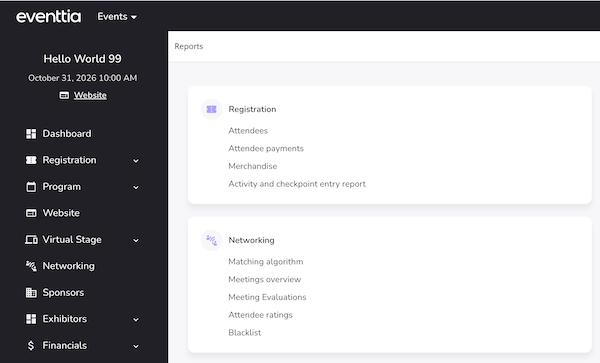
Redesigned Attendees Report Interface
The Attendees Report has received a complete visual overhaul! ๐จ The report interface has been modernized with a fresh, cleaner design that improves usability and aligns with the latest Eventtia design system.
Key improvements include:
- Redesigned report filters for a more intuitive filtering experience
- Revamped export settings modal with improved layout and visual clarity
- Enhanced progress bar feedback during Excel export generation
- Improved date picker integration within the report filters
- Better handling of horizontal scrolling for reports with many columns
These changes make it easier and more pleasant to generate, filter, and export your attendee data.

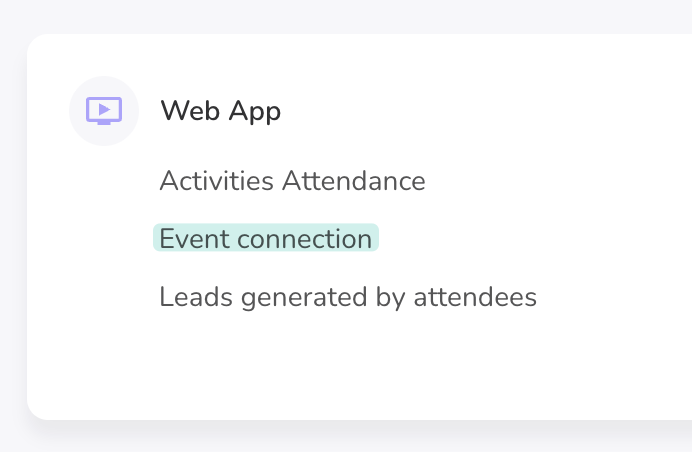
Redesigned Event Connection Report
The Event Connection Report has been completely redesigned with a fresh, modern look and improved usability. This update makes it easier to analyze attendee event traces and connection data at a glance. ๐
- Revamped report interface with a cleaner, more intuitive layout
- Improved filters and modal dialogs for more precise data exploration
- Date filters now use a datepicker component adapted to your event's date format for a smoother experience
- Attendee ID is now included in the Excel export for easier cross-referencing
- Filters are now properly passed through to Excel exports, so your downloaded report matches exactly what you see on screen
- Translation improvements for Japanese and Traditional Chinese

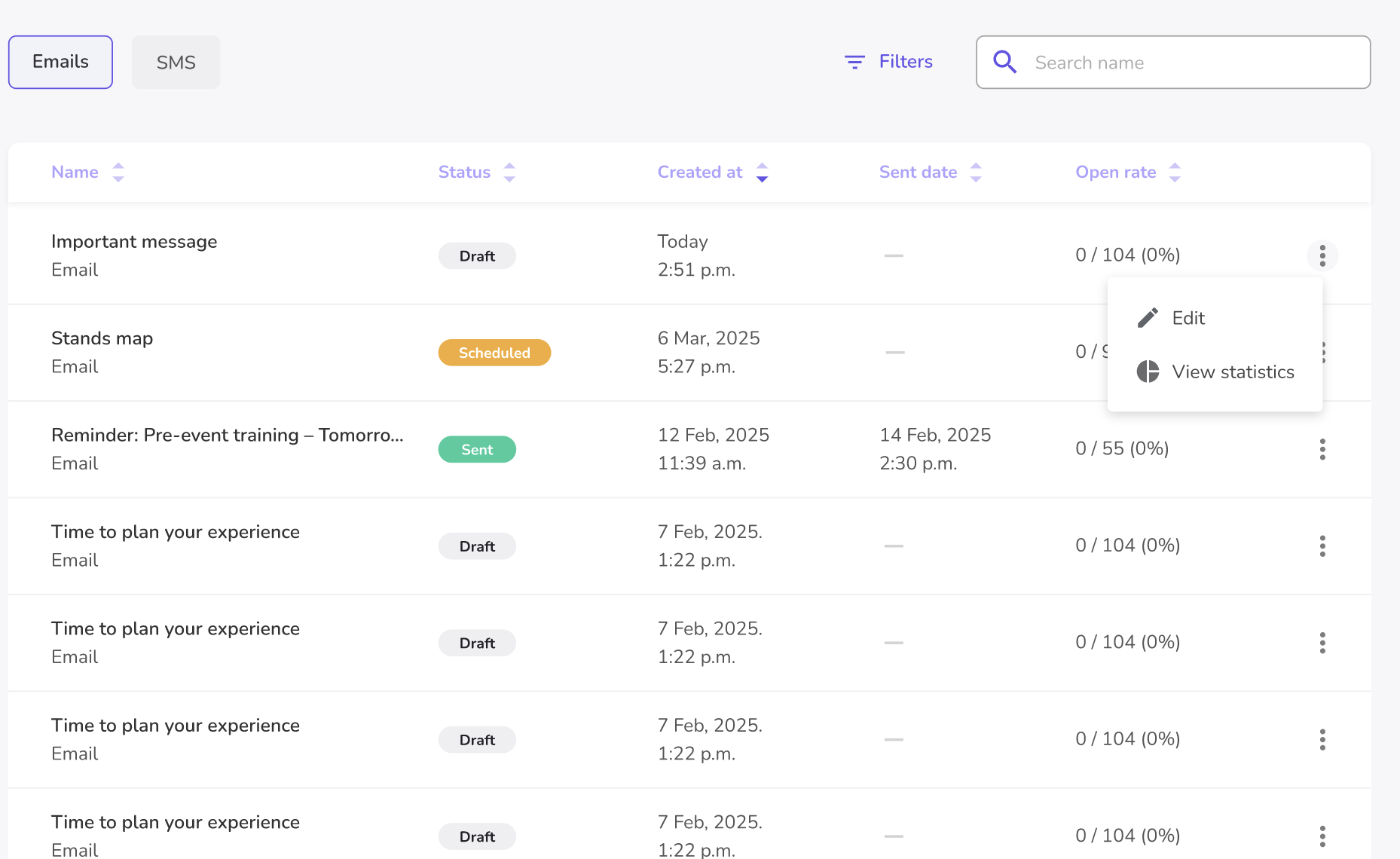
Redesigned Meeting Requests Report
The Meeting Requests report within the Networking Reports section has been completely redesigned with a fresh, modern look and enhanced functionality to help you manage and analyze meeting requests more efficiently. ๐จ
- New filters: Easily narrow down meeting requests using updated filter options to quickly find the data you need.
- Excel export: Export your meeting requests data to Excel for offline analysis, sharing with your team, or further reporting.
- Refreshed UI: The meeting requests report and side panel have been reskinned for a cleaner, more intuitive experience that aligns with the latest Eventtia design standards.
These improvements make it easier than ever to track, filter, and export networking activity from your events.
Enhanced Dropdown Selectors for Custom Fields, Country & City
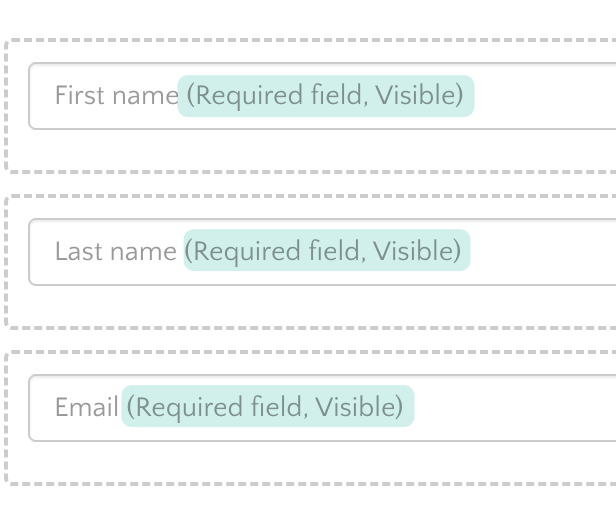
We've upgraded the dropdown selection experience across attendee forms with a modern, searchable selector powered by Tom Select. ๐ This brings a smoother, faster, and more intuitive way to fill out custom fields, country, and city selections.
- Custom fields with dropdown options now feature a searchable, type-ahead selector โ making it easier to find and select values, especially in long lists
- Country and city fields have been upgraded with the same enhanced selector, providing instant search and a cleaner selection experience
- Large select lists now perform better, ensuring smooth interactions even with hundreds of options
- Birthdate fields retain their dedicated date picker for a more appropriate input experience
These improvements reduce the time it takes to complete registration and attendee edit forms, particularly for events with many custom fields or location-based data. โจ
Improved time zone display in welcome emails
We've improved how time zones are displayed in sign-in and welcome emails. โฐ The time zone information now correctly includes the appropriate symbol (+ or โ), making it easier for attendees to quickly identify the event's time zone at a glance.
This ensures a more polished and professional appearance in all event-related communications sent to your participants.
Worksho now allow duplicate names
You can now create multiple workshop with the same name. The unique name restriction has been removed, giving you more flexibility when setting up your workshops. ๐
This is especially useful when you need to reuse workshop names across different contexts or editions of your events without having to come up with alternative naming conventions.
Redesigned Birthdate Field for Attendee Registration
The birthdate custom field for attendees has been completely redesigned to provide a smoother and more reliable experience across both public registration forms and private admin views. ๐
The new date picker is more intuitive, properly sized, and correctly positioned on the page โ making it easier for attendees to enter their date of birth during registration.
- New date picker component for birthdate fields on both public and private forms
- Minimum age validation support โ organizers can now enforce age requirements directly from the custom field configuration
- Date limit enforcement ensures attendees cannot select invalid or out-of-range dates
- Improved birthdate validation logic for more accurate error handling
- Birthdate data is now properly included in attendee Excel exports
These changes ensure that event organizers have more control over attendee age requirements while attendees enjoy a cleaner, more user-friendly registration experience.
Enhanced Activities & Checkpoints Report with Additional Fields
The Activities & Checkpoints report now includes additional attendee fields, giving you richer and more detailed data when exporting your event check-in information. ๐
This enhancement provides more comprehensive insights into attendee activity across your events, making it easier to analyze participation and track engagement without needing to cross-reference multiple reports.
- Additional attendee data fields are now included in the Activities & Checkpoints Excel export
- Multi-language support updated across all supported locales for the new report fields
Dashboard metrics updated for attendee registration
The dashboard metrics for attendee registration have been refined to provide more accurate and relevant insights. ๐ Event organizers can now benefit from improved data representation when reviewing attendee registration activity on their dashboard.
Checkpoints: Redesigned Interface
The checkpoints section has received a comprehensive visual overhaul โจ for a more modern and intuitive experience. The refreshed design makes it easier to manage your event checkpoints at a glance.
- Redesigned checkpoint index page with improved layout and clearer information hierarchy
- Updated checkpoint creation and editing modal with a cleaner look and feel
- Improved attendee logs view with better styling and pagination fixes
- New action buttons and breadcrumb navigation for smoother workflow
- Tooltips added to checkpoint names for better readability when names are long
- Text truncation applied to capacity and type name fields for a cleaner table appearance
Status filters in the logs view have been migrated to TomSelect for a more consistent and user-friendly dropdown experience.